
DBS Update Service: the 30-second answer
- What it does: the Update Service lets you keep an eligible standard or enhanced DBS certificate up to date and lets an employer check its status online with your consent.
- Cost: GOV.UK currently lists £15 a year. It is free for people who meet the volunteer definition.
- Deadline: join during your application using its reference number, or within 30 days of the issue date on the certificate.
- Basic checks: basic DBS certificates cannot be added to the Update Service.
- New job: a subscription can help, but the new employer decides whether your existing certificate is suitable or whether a new check is required.
Staff Portal is independent. We cannot access your DBS account or check your certificate. Use GOV.UK for the service and your employer’s secure process for recruitment documents.
Searches for “DBS Update Service”, “DBS Update Service login” and “how to check a DBS on the Update Service” often come from people at a decision point: they have a new conditional offer, a certificate with a deadline or a recruiter asking for consent. Getting the order right matters. A missed joining deadline may mean you need a new DBS check through an organisation that can submit one, rather than a quick subscription.
This guide explains the service from both sides, with an NHS recruitment focus. It is based on GOV.UK and the Disclosure and Barring Service guidance checked in November 2026. It does not replace a recruiter’s safeguarding decision, legal advice or the current terms shown in your DBS account.
What is the DBS Update Service?
The official GOV.UK DBS Update Service page describes two purposes: helping applicants keep certificates up to date and helping employers or voluntary organisations check a certificate. It applies to standard and enhanced DBS checks only.
The service does not issue a brand-new criminal record check. The certificate itself must already exist, or you must join during an application that will produce an eligible certificate. A status check tells an authorised organisation whether there is new information since that certificate was issued; it does not show new details on the screen.
The DBS applicant guide says the service can let you add several certificates, see which organisations check your certificate and take a certificate between roles where the workforce and check level match. That final condition is crucial in NHS recruitment.
DBS Update Service versus a new DBS check
| You need | Practical route |
|---|---|
| To keep an eligible certificate current | Join or renew the Update Service under the published conditions. |
| A recruiter to check an existing subscribed certificate | Show the certificate, give consent and confirm the employer accepts it. |
| A different workforce or level | Your employer may require a new check; the subscription cannot change the original certificate’s scope. |
| A certificate you did not join within 30 days | Ask the organisation you are working for about a new check, then join under the new certificate’s rules. |
| A basic check | Use the basic DBS online account route instead of the Update Service. |
How to put a DBS certificate on the Update Service
You can join at either of two times. Both involve the DBS official service; do not pay a website that only claims it can add a certificate on your behalf.
Option 1: join during your DBS application
- Get the application form reference number. GOV.UK calls this the “form ref”. If an e-bulk registered body submitted the application, it may give you an e-reference.
- Use a personal email address for your subscription. The DBS guide advises personal control, rather than an address an employer controls.
- Register through the official GOV.UK Update Service route.
- Make sure DBS receives the application within 28 days of your subscription.
- When the certificate is issued, DBS adds it automatically to your account.
Option 2: join after your certificate arrives
- Find the certificate number and its date of issue.
- Register within 30 days of that issue date.
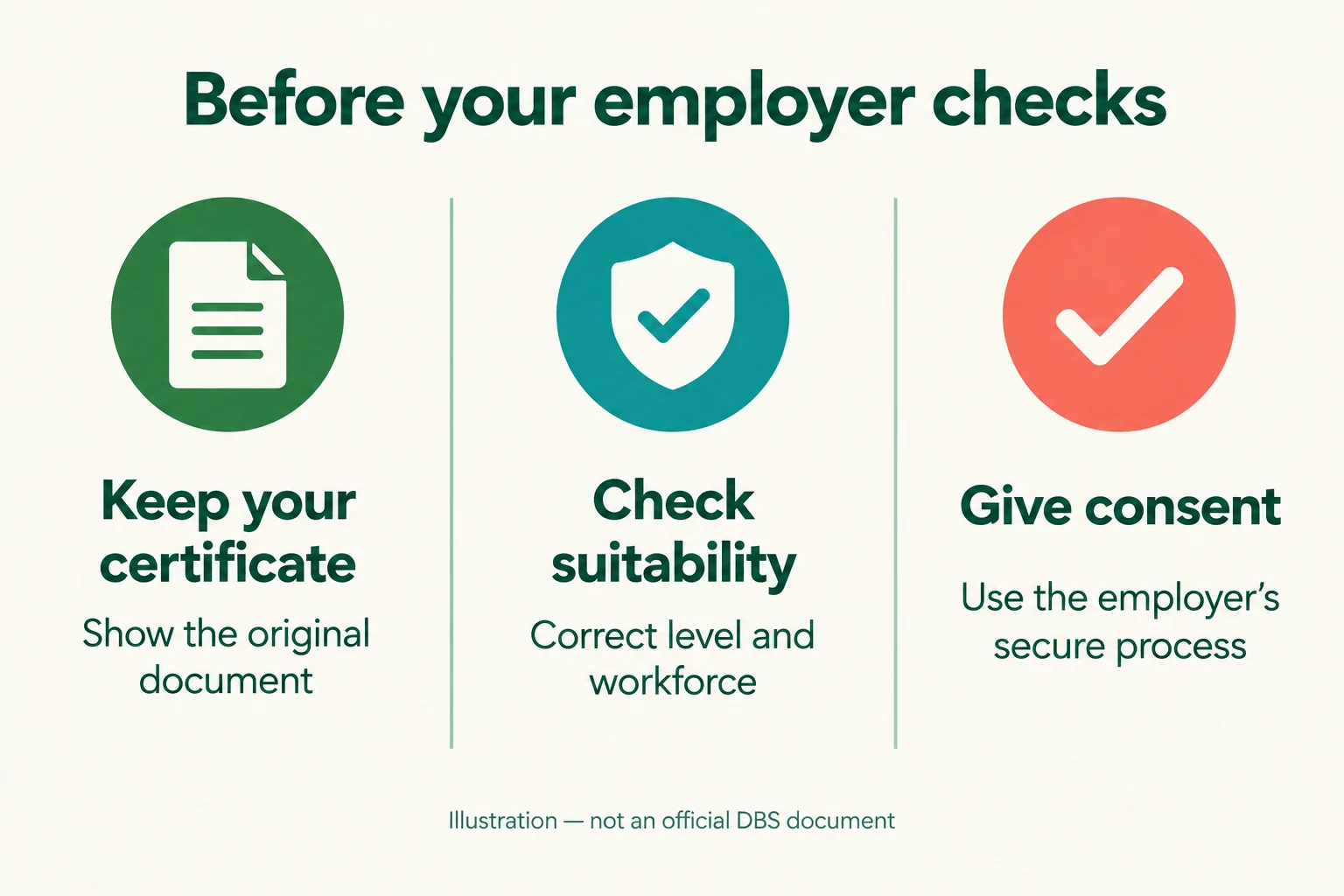
- Keep the original certificate safely. A future employer must see it before beginning status checks.
- Record your subscription ID and renewal date somewhere private.
Missed the 30-day window? The applicant guide says you will need to get a new DBS check through the organisation you work for before joining. It is not a process you can repair by entering an older certificate number.
DBS Update Service login: what you can do after signing in
Use GOV.UK as your starting point rather than a sponsored search result. According to GOV.UK, a registered subscriber can sign in to add or remove certificates, give an organisation permission to check whether anything has changed, see who has checked and view personal details.
- Before sharing your subscription ID: confirm the recruiter and the role. Do not post it publicly or include it in an untrusted form.
- When adding a certificate: check the certificate number, issue date and level. Do not assume every certificate in your possession can be added.
- When reviewing checks: unexpected organisations should be raised with DBS and, where relevant, the employer.
- When your contact details change: update them through the official account so reminders and messages reach you.
DBS guidance also emphasises that the applicant should control the subscription. If an employer created or controls your account without your agreement, ask the organisation for an explanation. If it is unresolved, the official guidance gives a DBS customer services contact.
How employers check a DBS on the Update Service
The DBS employer guide describes free online status checks of existing standard and enhanced certificates. An organisation must be legally entitled to the check and must have the applicant’s consent. Paying for a subscription does not entitle an employer to access or alter that subscription.
- The employer checks the original certificate and confirms that it is appropriate for the post.
- The applicant gives consent through the employer’s process.
- The organisation enters the required certificate and personal details in the status-check service.
- The result shows whether the certificate is current or whether new information means it is no longer current.
- The employer decides the next recruitment or safeguarding step under its own policy.
For applicants, the most important detail is that the result is a status, not a revised disclosure. If a status suggests that something is new, the employer may need a new certificate before deciding whether you can start.
DBS Update Service status results explained
The applicant guide lists account, application and update statuses. The labels below are paraphrased to make their practical use clearer; the account itself remains authoritative.
| What you see | What it generally means | Sensible next step |
|---|---|---|
| New | You applied using an application reference. | Track the application and check that DBS receives the form within 28 days. |
| Subscribed | A certificate is attached to the subscription. | Check the certificate details and renewal date. |
| Expired | The subscription was not renewed. | Ask your employer about a new check where one is needed. |
| Cancelled | The subscription was cancelled. | Do not rely on it for a new status check. |
| No new information | The certificate remains current for status purposes. | The employer still decides suitability. |
| New information | The certificate is no longer current because new information exists. | The employer may require a new DBS check. |
The guide also mentions an early confirmation check in specific circumstances where a certificate status has changed. This does not mean that every changed status will automatically lead to the same employer outcome.
Using the DBS Update Service for an NHS job
NHS employers usually manage criminal record checks as part of pre-employment checks after a conditional offer. A subscription can save time when a recruiter accepts the certificate, but it does not override the trust’s safer recruitment policy.
- Tell the recruiter early. Mention your subscription when asked for DBS information and provide the original certificate as requested.
- Check workforce and level. A certificate for one workforce or level may not be suitable for another role.
- Expect a new check if asked. GOV.UK explicitly allows organisations to ask for a new certificate.
- Keep your onboarding portal accurate. Enter the certificate and subscription details exactly; use the employer’s secure upload or verification route.
- Respond to follow-up quickly. A missing consent or identity discrepancy can delay an otherwise straightforward check.
For a broader view of recruitment, see our Trac application guide and NHS reference guidance. If you are an international applicant, your right-to-work evidence is separate; our share code guide explains that process.

DBS Update Service renewal, payment and expiry
The applicant guide says paid subscriptions start from the certificate issue date and can renew automatically or manually. Payment details can be updated for automatic renewal from within your account when the renewal is due within 30 days. If an automatic payment fails twice, DBS says the subscription will be cancelled.
- Set a reminder before the renewal date even when automatic renewal is selected.
- Update expired cards in good time.
- Do not wait until a recruiter has already asked for a check to discover the subscription has lapsed.
- If it expires, ask the organisation you are working for whether a new check is required.
A subscription also needs to be in your control. If your email, name or contact details change, update the official account through the published process.
Common DBS Update Service problems
- I cannot add my certificate.
Check the issue date, certificate number and level. Basic certificates and certificates outside the 30-day joining window cannot be added in the normal way.
- The recruiter cannot complete a status check.
Confirm that you have given consent and that the details match the original certificate. The employer must also be entitled to make the check.
- The status says there is new information.
The status check does not reveal detail. Follow the recruiter’s instructions, which may involve applying for a new certificate.
- An employer owns my subscription email.
Ask it to transfer control or cancel it under DBS guidance. Contact DBS customer services if this remains unresolved.
- I am changing employer.
Ask whether the new employer accepts your existing certificate. If the workforce or level is different, prepare for a new application.
Worked example: moving from bank work to a permanent NHS post
Illustrative example, not a real person. Nadia has an enhanced certificate from bank work and joined the Update Service within the deadline. A trust offers her a permanent patient-facing post. She tells recruitment that she is subscribed, presents the original certificate and gives consent.
The recruiter checks the certificate’s level and workforce, then makes a status check. If it is suitable and current, the team may be able to rely on it. If the new role needs a different certificate, it asks Nadia to complete a new application. Her subscription was useful, but it did not make the decision on the trust’s behalf.
Official sources and limitations
Checked on 23 November 2026. Fees, timings and screens can change; GOV.UK and your account take priority over this guide.
- GOV.UK: DBS Update Service registration, cost and sign in
- DBS: Update Service applicant guide
- DBS: Update Service employer guide
- DBS: Update Service guidance collection
This guide is general information. It cannot predict an employer’s suitability decision or give advice about an individual criminal record.