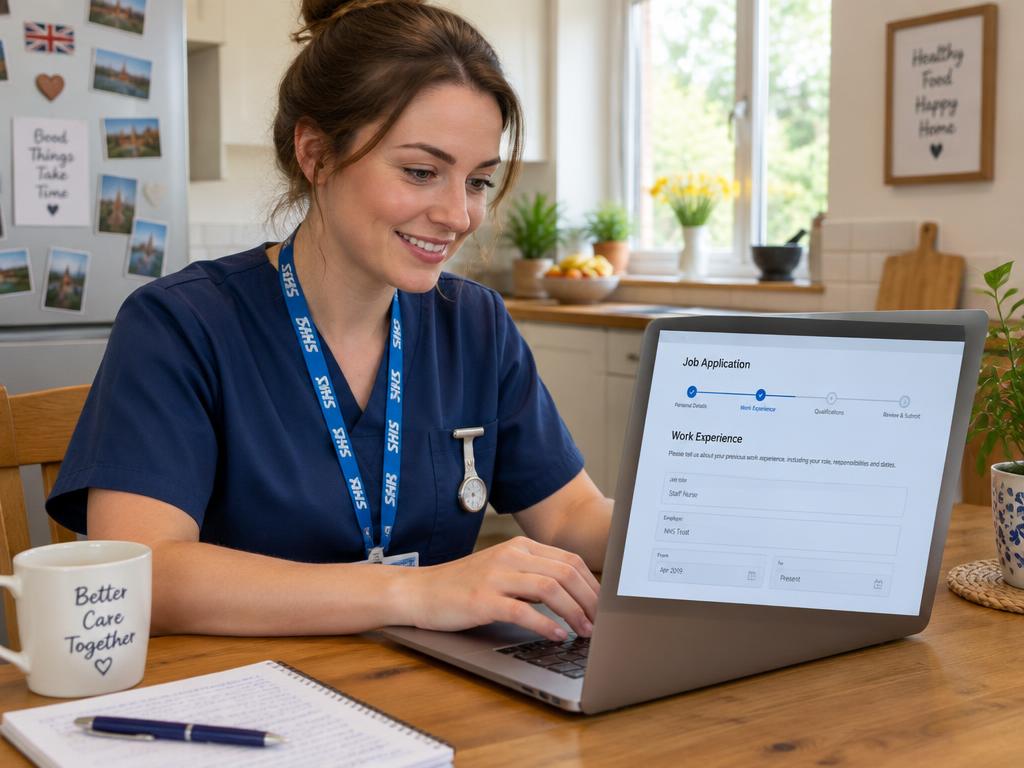
What is Trac Jobs and how does it fit into NHS recruitment?
Trac Jobs is a recruitment software system used by a large number of NHS trusts across the UK to manage their hiring process. While you might find a vacancy advertised on a national portal like NHS Jobs (for England and Wales), Job Train (for Scotland), or HSC Jobs (for Northern Ireland), clicking the 'apply' button will often redirect you to the trust's dedicated Trac portal.
Think of it like this: NHS Jobs is the shop window, but Trac is the system behind the counter that handles the actual transaction. It’s an Applicant Tracking System, or ATS, designed to help busy recruitment teams handle thousands of applications efficiently. It’s where you’ll fill out your details, upload your supporting statement, and later, track your progress from 'application received' to, hopefully, 'offer made'.
It’s not the only system out there, but it is one of the most common. Understanding how it works is a key step towards successfully navigating your NHS job hunt.
Creating your account and starting an application
The first time you apply for a role at a trust that uses Trac, you’ll be prompted to create an account. It’s a straightforward process, but it’s worth getting right from the start.
Use a personal email address that you check frequently, as this is where all communications – from interview invitations to requests for documents – will be sent. Choose a secure password and make a note of it, as you’ll need it to log back in and check your application status.
Once you’re in, you’ll see the standard application form, which typically includes sections for:
- Personal details
- Qualifications and education
- Full employment history
- Professional registration (if applicable)
- References
- Equality and diversity monitoring
- The supporting statement
A crucial tip is to save your progress regularly. The system can time out, and there’s nothing more frustrating than losing a carefully crafted section of your application. Most pages have a 'Save and Continue' button – use it often!
Mastering the application form: tips for success
The single most important part of your application is the supporting statement. This is your chance to show the shortlisting panel not just what you’ve done, but how well you fit the specific role they are trying to fill. This section is scored directly against the 'Person Specification' document attached to the job advert.
Your goal is to make it as easy as possible for the panel to tick off their criteria. Open the person specification and structure your statement around it. Address each of the 'essential' criteria, and as many 'desirable' ones as you can, providing a specific example from your experience for each point.
Remember that the NHS uses values-based recruitment. Your examples should also reflect the six core values of the NHS Constitution:
- Working together for patients
- Respect and dignity
- Commitment to quality of care
- Compassion
- Improving lives
- Everyone counts
Instead of just saying “I have good communication skills,” describe a situation where your communication skills de-escalated a difficult situation with a patient or relative (demonstrating compassion and respect).
Writing a powerful supporting statement takes time and effort. Our Application Co-pilot can help you structure your thoughts and ensure you've covered all the key points from the person specification.
Common mistakes to avoid
Steer clear of these frequent pitfalls:
- Generic statements: Never copy and paste the same supporting statement for different jobs. Each one must be tailored.
- Waffling: Keep your examples concise and relevant to the point you are making.
- Spelling and grammar errors: Proofread your entire application carefully before you submit. Ask someone else to read it if possible.
- Ignoring the values: Failing to show how you embody NHS values can lead to your application being rejected, even if you are technically qualified.
- Waiting until the deadline: Many popular NHS jobs close early once they receive a sufficient number of applications. Aim to submit yours well before the official closing date.
A practical example: Aisha applies for a Band 5 role
Let's imagine Aisha, a newly qualified physiotherapist, is applying for her first Band 5 job. She finds a rotational post advertised on NHS Jobs at her local hospital, and when she clicks 'apply', she's taken to their Trac portal.
First, she registers for an account. Then, she downloads the Job Description and Person Specification, reading them both multiple times. She sees that the essential criteria include "an understanding of the role of a rotational physiotherapist," "evidence of teamwork," and "good communication skills."
In her supporting statement, Aisha decides to use headings that mirror the person specification. Under 'Teamwork', she doesn't just write "I am a good team player." Instead, she writes about her final-year placement on a stroke ward. She describes how she collaborated with occupational therapists, nurses, and speech and language therapists in MDT meetings to create a patient's discharge plan. She explicitly mentions this demonstrates the NHS value of 'working together for patients'.
For 'Communication Skills', she gives an example of explaining a complex exercise plan to an elderly patient with hearing difficulties, detailing the techniques she used to ensure they understood. This shows her commitment to 'compassion' and the idea that 'everyone counts'. After filling in the rest of the form, she proofreads everything twice before hitting 'submit'.
After you apply: tracking your application status
Once you've submitted your application, the waiting game begins. You can (and should) log back into your Trac account to monitor its progress. You don’t need to wait for an email.
You’ll see a dashboard with your current and past applications. The status will update as your application moves through the system. Common statuses include:
- Application Submitted/Received: Your form has been successfully sent.
- In Review/With Manager: The recruitment team has processed your application and sent it to the hiring manager for shortlisting.
- Shortlisted/Invited to Interview: Congratulations! You’ve made it to the next stage. Details will follow.
- Unsuccessful: Your application was not shortlisted on this occasion.
Don't be disheartened if the status doesn't change for a couple of weeks after the closing date. Shortlisting takes time. It's also wise to check your email's junk or spam folder, as automated messages from Trac or the NHS can sometimes end up there.
To stay organised, especially if you're applying for multiple roles, consider using a simple spreadsheet or a dedicated tool like our NHS Application Tracker.
From interview to offer: navigating pre-employment checks
If you are shortlisted, your Trac portal will be updated, and you’ll receive an email inviting you to book an interview slot, often directly within the Trac system itself. After a successful interview, you'll receive a conditional job offer.
The 'conditional' part is important. Before you can be given a start date, the trust must complete a series of mandatory pre-employment checks. This entire process is managed through Trac, and you'll receive requests to provide information or complete forms within the portal.
These checks always include:
- References: You will have provided contact details for your referees in the application. The trust will contact them, often via an automated request from Trac.
- Disclosure and Barring Service (DBS): A criminal record check.
- Occupational Health: A health questionnaire and sometimes a brief appointment to ensure you are fit to perform the role.
- Right to Work: Verifying your eligibility to work in the UK.
- ID & Qualifications: You'll need to provide original copies of your passport, proof of address, and qualification certificates.
This stage is often the longest part of the recruitment process. The time from a verbal offer to your first day on the job is typically between 6 and 12 weeks, largely due to the time it takes for all these checks to be completed and cleared. To keep things moving, respond to any requests for information from the recruitment team as quickly as you can.
Key takeaways
- Trac Jobs is a separate recruitment system used by many NHS trusts, which you'll often be directed to from the main NHS Jobs website.
- Always tailor your supporting statement directly to the person specification for the specific role you are applying for.
- Structure your examples around the NHS Constitution values to show you are the right fit for the organisation.
- Save your application frequently as you work on it, and aim to submit it well before the official closing date.
- Log in to the Trac portal directly to get the most up-to-date status of your application.
- Be patient during the pre-employment checks phase; it's normal for this to take several weeks. Respond to all requests for information promptly.