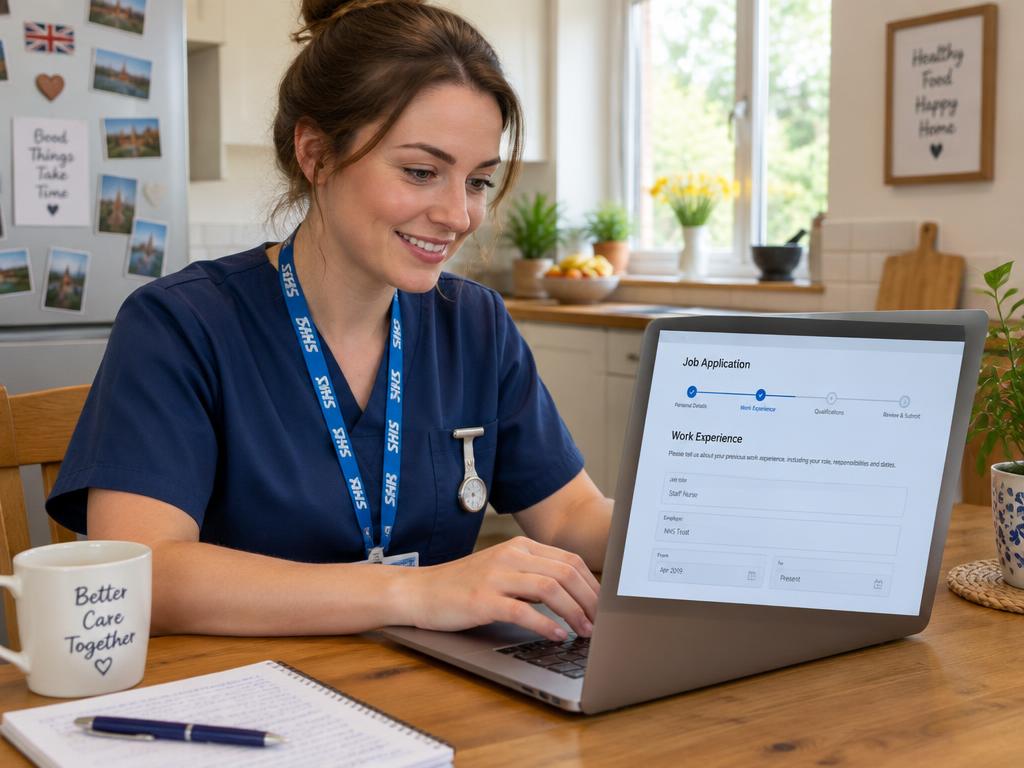
If you're applying for an NHS job, you'll likely come across the Trac Jobs system. While it's a powerful tool for managing applications, trying to log in can sometimes be frustrating. The most common login issues stem from forgotten passwords, using the wrong email address, or simple browser glitches, and the quickest solution is usually the 'forgotten password' link.
This guide will walk you through how to get into your account, solve common problems, and use the platform to track your journey towards your new NHS role.
What is Trac Jobs and Why Do NHS Trusts Use It?
First, it helps to understand where Trac fits into the wider NHS recruitment picture. Most vacancies in England and Wales are advertised on the national NHS Jobs site (jobs.nhs.uk). In Scotland, the main portal is Job Train, and in Northern Ireland, it's HSC Jobs. However, behind these main job boards, individual NHS trusts need a system to manage the hundreds or thousands of applications they receive. This is where an Applicant Tracking System (ATS) like Trac Jobs comes in.
Many NHS trusts use Trac to handle their entire recruitment process, from the moment you click 'apply' to your first day on the job. It's a secure portal where they can:
- Receive and store your application form.
- Organise the shortlisting process.
- Communicate with you via a messaging system.
- Schedule interviews.
- Manage pre-employment checks after a conditional offer.
For you as a candidate, your Trac account is your personal hub for each application. It’s where you’ll see its status, receive important updates, and complete necessary tasks. It’s important to remember that each trust often has its own separate Trac system, so you may need to create different accounts for different organisations.
A Step-by-Step Guide to Logging In
Accessing your account is usually straightforward, but it relies on finding the correct login page for the specific trust you've applied to. There isn’t one single, universal Trac login portal for all NHS jobs.
Here’s the typical process:
- Find the right login page. The link will be in the confirmation email you received after submitting your application. You can also usually find it by going back to the original job advert and clicking 'apply' or 'login'. It's a good idea to bookmark this page for easy access.
- Enter your registered email address. This is the most common stumbling block. You must use the exact email address you used when you first registered and submitted your application.
- Enter your password. Passwords are case-sensitive, so make sure your Caps Lock key isn't on.
- Click 'Login'. If your details are correct, you'll be taken to your applicant dashboard.
Common Login Problems and How to Solve Them
If you're struggling to get in, don't panic. It's usually one of a few common issues that can be resolved quickly. Work through these steps before trying to contact anyone.
- Forgotten Password: This is by far the most frequent problem. Every Trac login page has a "Forgotten your password?" or "Reset password" link. Click it, enter your registered email address, and you'll be sent instructions to create a new password. Always remember to check your spam or junk folder if the email doesn't appear in your inbox within a few minutes.
- Incorrect Email Address: Many people have multiple email accounts. If the password reset doesn't work, you may be trying to use a different email from the one you originally registered with. Double-check any confirmation emails you received to see which address they were sent to.
- Browser Issues: Sometimes your web browser's stored data (its 'cache' and 'cookies') can cause login pages to misbehave. The simplest fixes are to try logging in using a 'private' or 'incognito' window, or to switch to a different browser entirely (e.g., if you're using Chrome, try Edge or Firefox).
- Account Locked: For security, your account will be temporarily locked if you enter the wrong password too many times. This lockout usually lasts for about 30 minutes. The best thing to do is to step away, have a cup of tea, and then come back and use the 'forgotten password' link to reset it properly.
- The Login Page Itself Isn't Working: On rare occasions, the system may be down for maintenance. If the page won't load at all or shows an error, it's worth trying again in an hour or two.
When You're Stuck: Who to Contact for Help
If you have tried all the troubleshooting steps above and still can't get into your account, you will need to contact the NHS trust you are applying to directly.
It’s crucial to understand that you need to contact the trust's own recruitment or HR team, not the Trac software company. Trac provides the system, but each trust manages its own data, applicants, and job adverts. The trust's team are the only ones who can access your records and help with account-specific issues.
You can find their contact details in a few places:
- On the original job advert.
- In the automated emails you received from them.
- On the trust's main website, usually in a 'Work for Us' or 'Careers' section.
When you get in touch, be sure to have the job title and reference number to hand, as well as the full name and email address you applied with. This will help them find your records quickly.
Beyond the Login: Managing Your Application in Trac
Once you're successfully logged in, you'll see your applicant dashboard. This gives you a clear overview of your application's journey. You can see its current status, such as 'Application submitted', 'Shortlisted', or 'Invited to interview'.
The most important part of your initial submission is the application form, specifically the 'Supporting Information' or 'Supporting Statement' section. This is where you must demonstrate how you meet the essential and desirable criteria listed in the Person Specification. Your application is scored on how well you evidence these points, so it's vital to tailor your statement for every single job. For help structuring this crucial section, you might find our Application Co-pilot tool useful.
NHS recruitment is values-based, guided by the principles of the NHS Constitution. Your application and interview answers should reflect these values:
- Working together for patients
- Respect and dignity
- Commitment to quality of care
- Compassion
- Improving lives
- Everyone counts
Remember that some popular roles receive a huge number of applicants, and trusts often state that they will close the advert early once they reach a certain number. For this reason, it's always wise to get your application submitted as soon as you are happy with it.
From Application to Offer: The Trac Journey
Trac remains your primary point of contact throughout the process. If you are shortlisted, you will receive a message through the Trac portal inviting you to an interview. In many cases, you will even be able to book your interview slot directly within the system. This is your cue to start preparing properly, and our Interview Pack can provide helpful structures and question examples.
If you are successful at interview and receive a conditional offer, the final stage of your recruitment will also be managed through Trac. This is the pre-employment checks process, which is thorough and can take some time. You will be asked to provide information and complete tasks related to:
- References from previous employers
- A Disclosure and Barring Service (DBS) check
- An occupational health screening
- Proof of your right to work in the UK
- Proof of your identity and address
- Verification of your qualifications and professional registration
For example, a Band 5 nurse working 30 hours a week accepts a conditional offer in early June. Through Trac, they would submit their referees' details, complete their DBS form online, and fill out their health questionnaire. It is then over to the trust's recruitment team to chase the references and wait for the official checks to come back. The whole process from interview to a confirmed start date typically takes between 6 and 12 weeks, so it's important to be patient.
Keeping track of all these stages for multiple applications can be tricky, which is why we developed a free NHS Application Tracker to help you stay organised.
Key takeaways
- The Trac Jobs system is used by many individual NHS trusts to manage their recruitment process from application to hire.
- Most login problems are caused by using the wrong email address or password. Always try the 'forgotten password' link first and check your spam folder.
- Simple browser fixes, like using a private window or a different browser, can often solve login page glitches.
- If you are still unable to log in, you must contact the recruitment team for the specific NHS trust you applied to, not the Trac software company.
- Once logged in, your Trac dashboard is where you will track your application status, book interviews, and complete essential pre-employment checks.
- Your application is scored against the person specification, so always tailor your supporting statement to show how you meet each criterion.